Every cost,
accounted for.
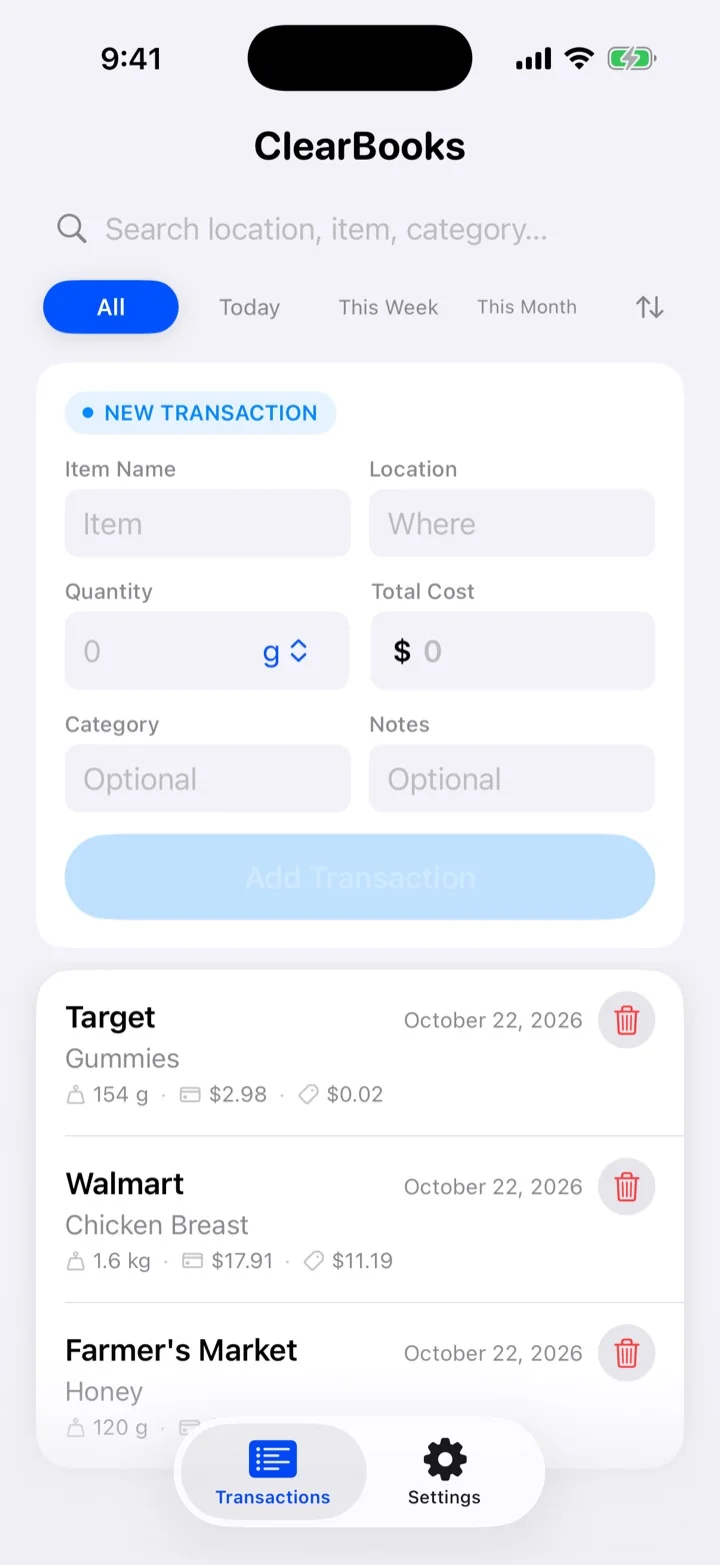
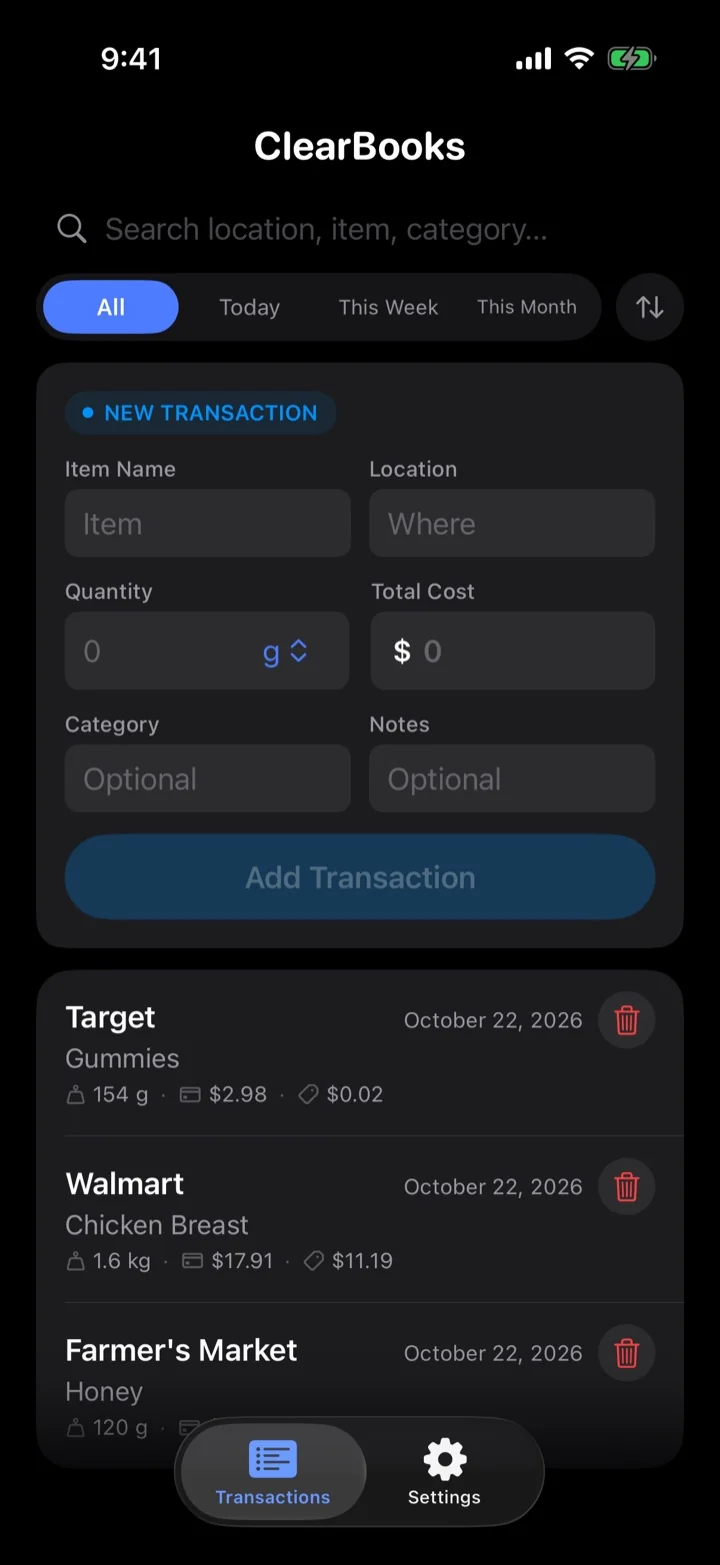
ClearBooks is a precise transaction cost tracker. Log what you spend by unit and category, and watch your totals reconcile in real time — on iPhone and in the browser.
From receipt to report.
Every transaction, precisely kept.
Six things ClearBooks does so your totals are always right.
Live sync, iPhone to browser
Add an entry at the checkout and it's on the web before you're home. No refresh.
Totals at a glance
Period totals, largest entry and unit cost, recalculated the moment anything changes.
Edit window, then lock
Fix mistakes while they’re fresh. After the window closes, entries lock for an honest record.
Search, filter, sort
Slice by period, category or location. Totals update as you type.
CSV export
Take the exact filtered view into a spreadsheet or to your accountant.
Private by rule
Your entries are readable only by you. Server-enforced, not just hidden in the UI.
Log it where it happens.
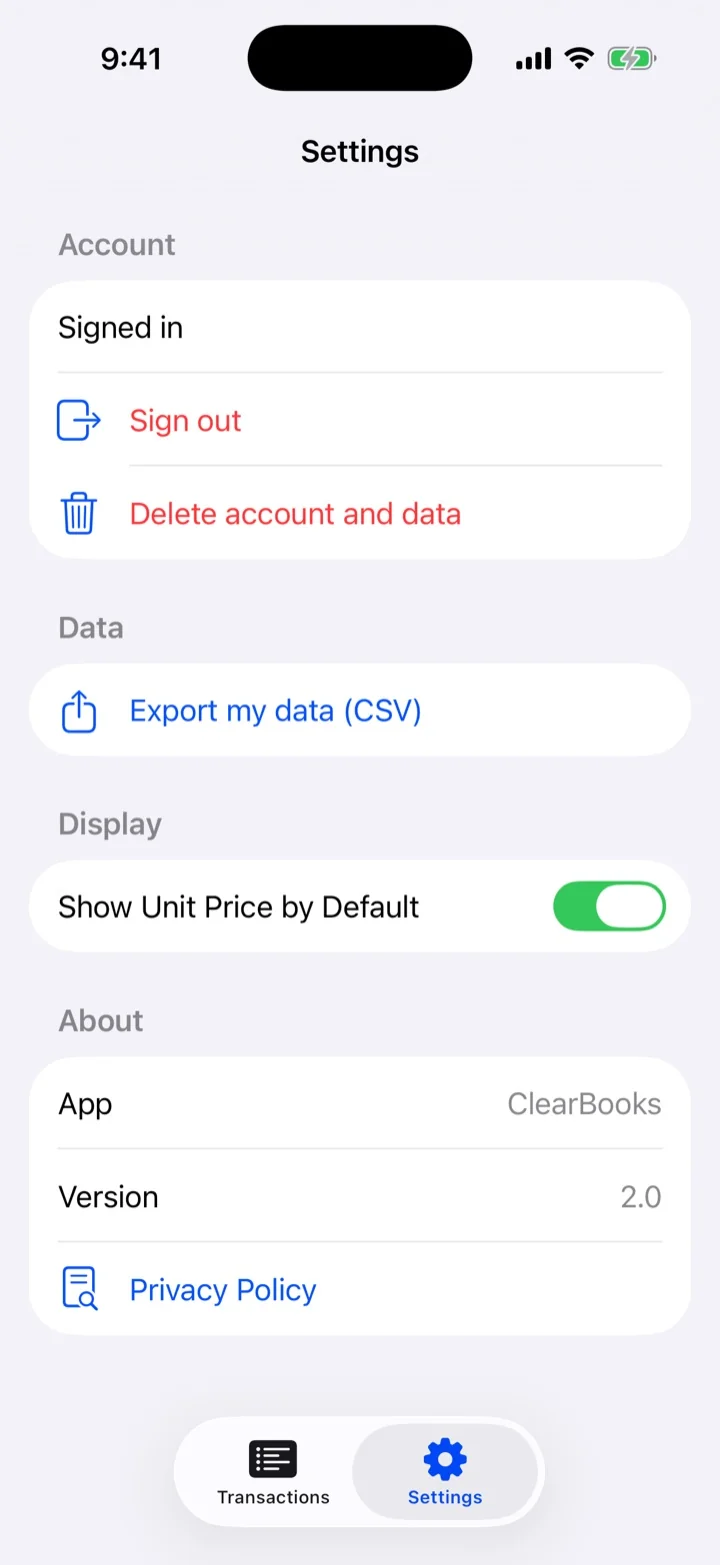
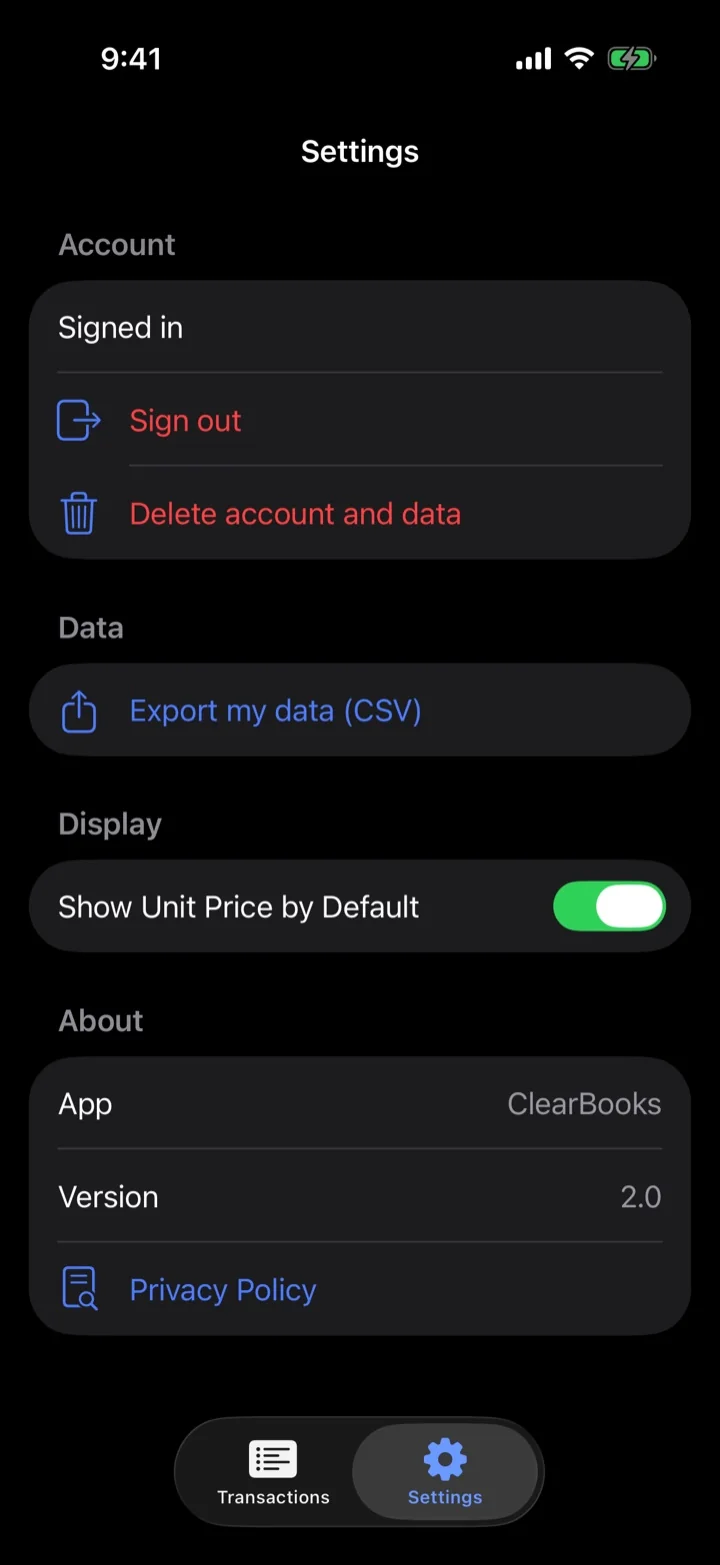
Capture entries in seconds on iPhone, manage your account and exports in Settings, and review everything on the web.
Download on the App Store